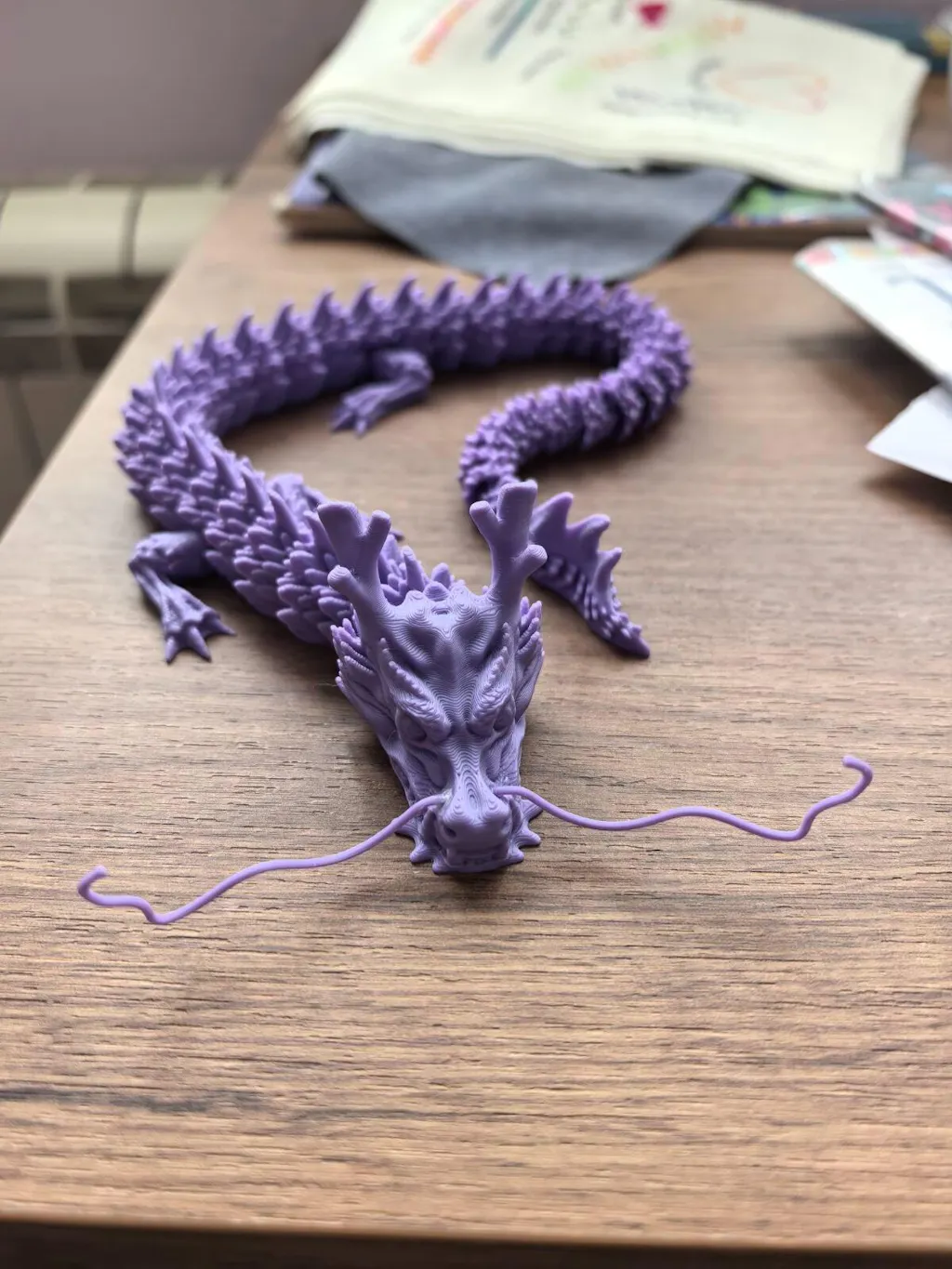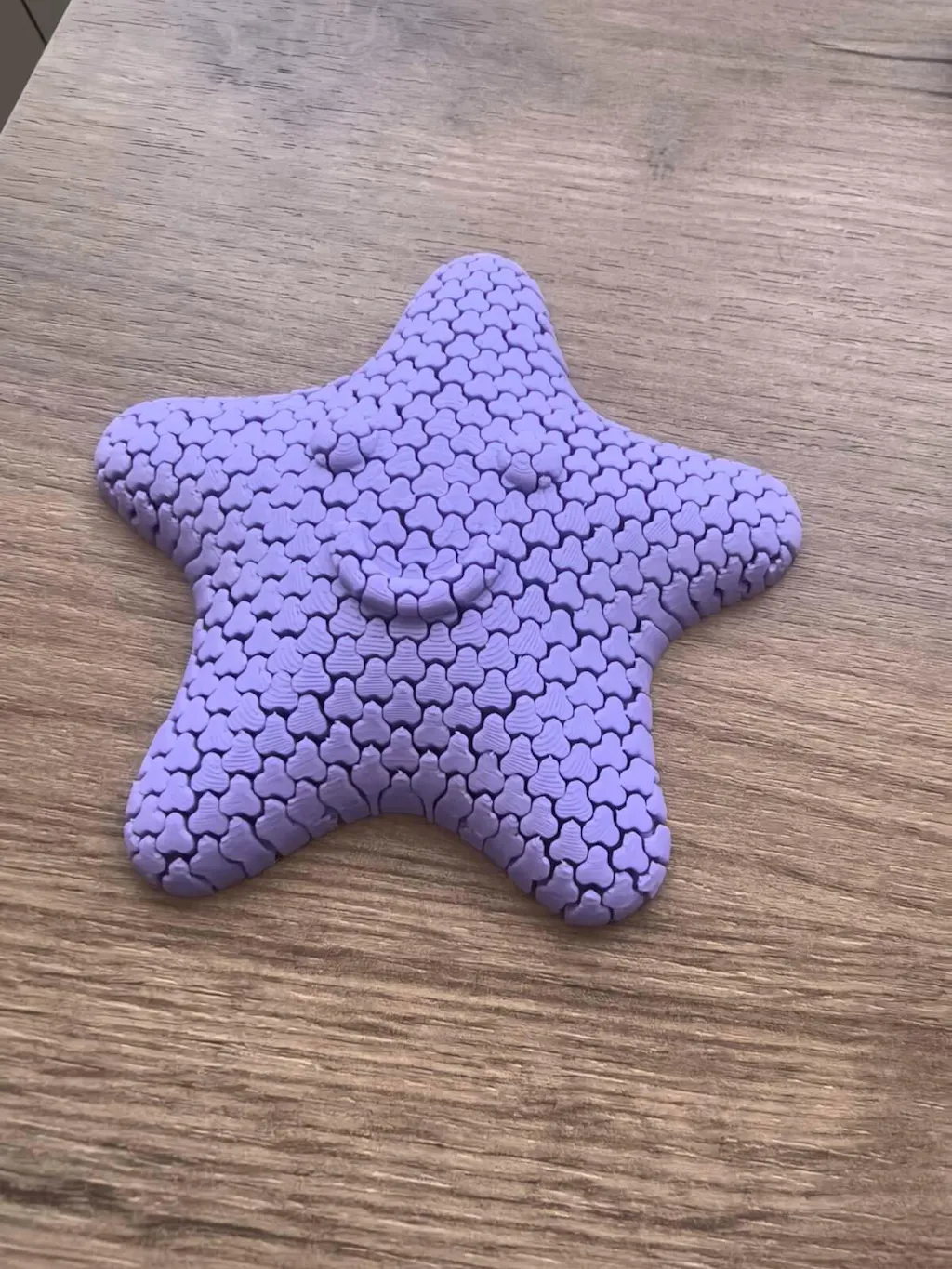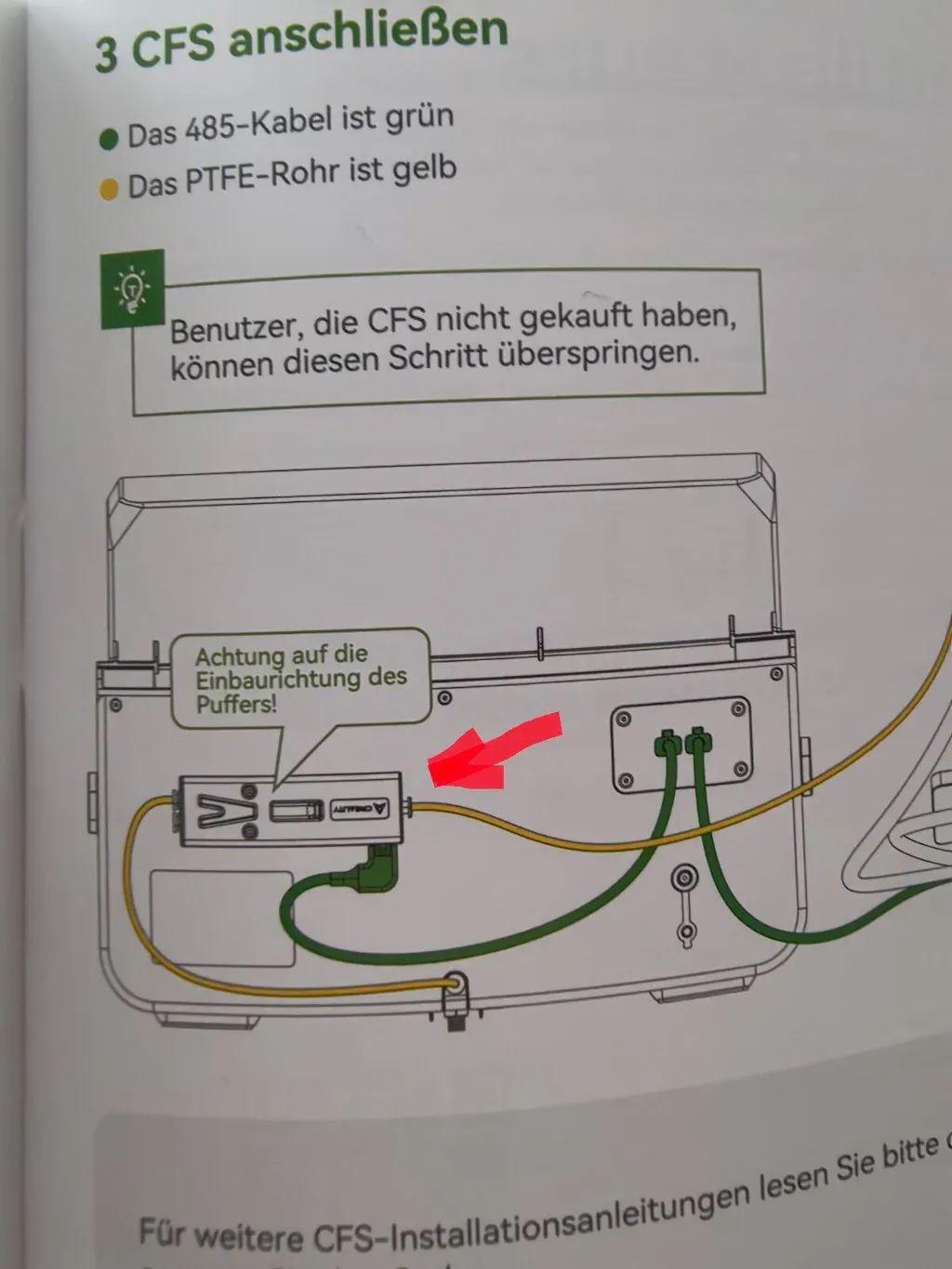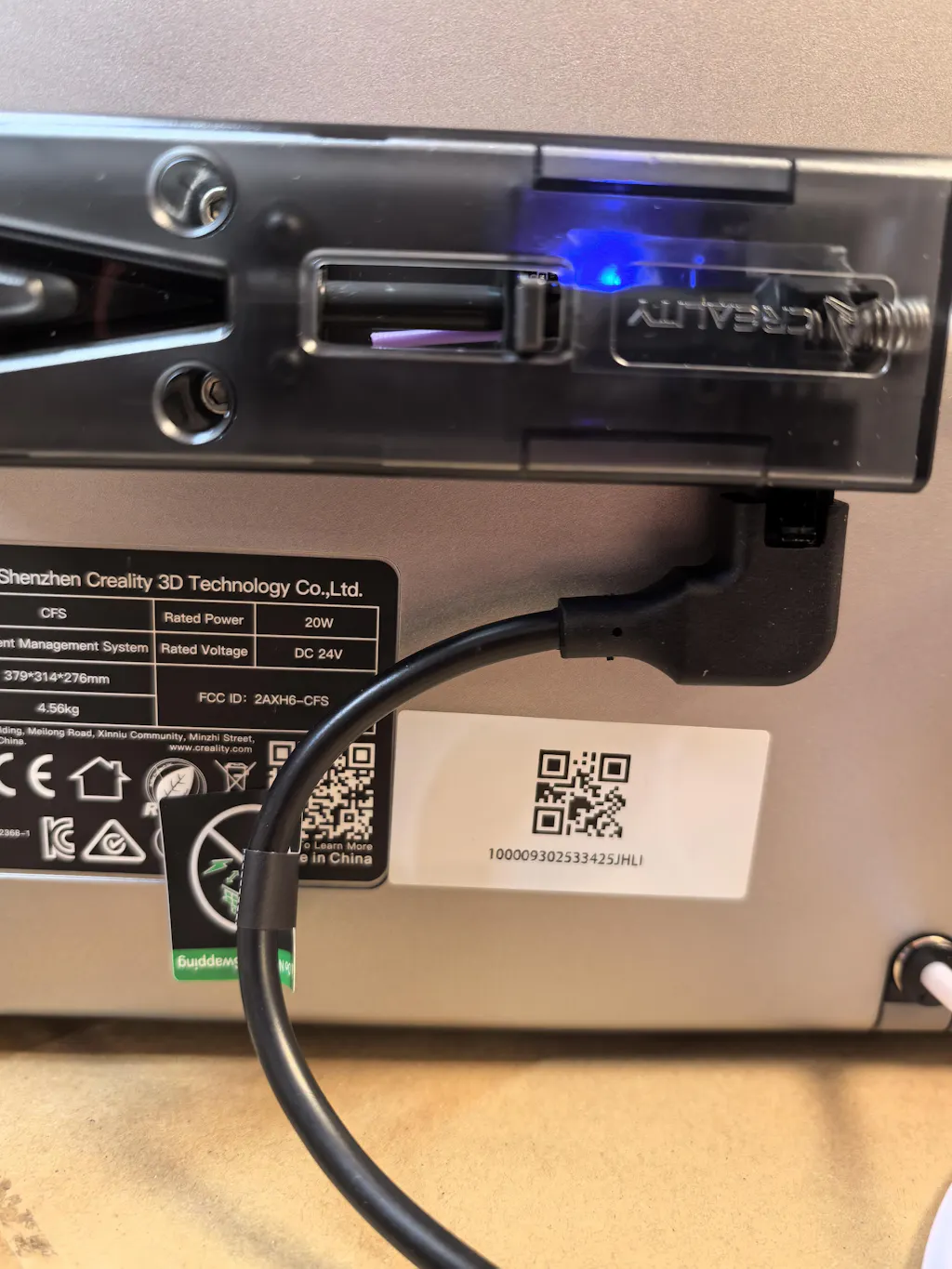



Creality Ender-3 V4 Combo 3D printer
Creality Ender-3 V4 Combo is a desktop FDM 3D printer, focused on a fast and more predictable workflow, including multicolor printing within a single project. The model is a logical choice for makers, engineering teams, and educational labs that want to shorten the time from model to finished part without complicating settings with additional hardware modifications.
Key advantages
- Build volume: 220 × 220 × 235 mm.
- Declared maximum speed: up to 500 mm/s (the actual result depends on the profile, material, and geometry).
- Max. temperature of the hot end: up to 300°C.
- Max. temperature of the heated bed: up to 100°C.
- Multicolor printing "out of the box" (Combo configuration).
Who is the Ender-3 V4 Combo suitable for
This 3D printer is aimed at users who want to combine high printing speed with convenience in daily task preparation. If you are making functional prototypes, enclosures, fixtures, educational models, or visual mockups, the multicolor workflow can reduce manual pauses for filament changes and facilitate the production of labels, logos, and areas with different colors.
Technology and quality of the result: what the parameters really mean
Ender-3 V4 Combo operates on the FDM principle (layering of melted thermoplastic). Here, the surface quality and detail accuracy largely depend on the stability of movement, adequate layer cooling, and the correct temperature regime for the specific material. The declared maximum speed of up to 500 mm/s is an indicator of potential, but practical "fast and clean" comes from the right combination of layer/line width/accelerations and model geometry. For models with fine edges or small details, you will achieve a more predictable result if you optimize the profile in the slicer and use reasonable speeds for outer walls.
The temperature limits (up to 300°C at the hot end and up to 100°C on the platform) are important not only for "more complex" materials but also for stability during longer tasks: the correct temperature reduces the risk of under-extrusion, improves layer adhesion, and controls deformations in materials sensitive to cooling.
Performance and workflow: from model to finished part
The typical workflow in FDM remains familiar: 3D model → setup in slicer → G-code generation → printing → first layer control → finishing operations if needed. In the Combo variant, the key difference is in the multicolor/multimaterial scenario: instead of manual changes, the system manages the feeding and switching of filaments. This is useful for series of products with color accents (e.g., markings), where manual pauses otherwise "break" the workday.
Available data (not confirmed by sources): compatible slicers Creality Print, Cura, and Orca Slicer; formats STL/OBJ/3MF; supported materials PLA/PETG/ABS/TPU. Recommendation: before integration into a corporate process, check the specific software versions and profiles for this model in your chosen slicer.
Compatibility and ecosystem: multicolor printing and extensions
The Combo configuration is built around the idea of multicolor printing without additional "upgrades" from the user. If you plan to expand the multicolor capacity, the CFS ecosystem itself (as a product line) supports up to 16 colors using 4 CFS modules. This is relevant when you need to build more complex color maps or combine several materials within a single workday.
Professional scenarios (4–6) with practical benefits
- Prototyping of housings and mechanical assemblies: rapid iteration of geometry and assembly checks, with the multicolor mode aiding in visual markers (directions, versions, warning zones) without additional post-processing.
- Fixators and auxiliary devices: easier differentiation of contact/reference surfaces by color, which reduces the risk of confusion during shift work.
- Training and demonstrations: color-coded training models (anatomical, geological, engineering) with clearer visualization of zones and elements.
- Product personalization: small series with logos, inscriptions, and color accents directly from the printing process, instead of hand painting.
- Marketing mockups and demonstration parts: better readability of details (embossed text/icons) through contrasting colors.
Limitations and best practices
- Speed ≠ automatic quality: at very high speeds, small elements often require more conservative settings for outer walls and small radii. Test with calibration models and fix a profile for the specific material.
- Multicolor printing has a "cost": when changing filament, it is normal to have pauses for transition and clearing. Plan the models so that color changes are justified by functional or visual needs.
- Filament humidity: unstable filaments (especially with hygroscopic materials) lead to surface defects and inconsistent flow. Store the filament dry and use appropriate boxes/dryers according to the material.
- First layer: regardless of automation, the first layer is critical. Clean the platform and set the temperature/speed of the first layer according to the specific material.
Technical specifications
| Parameter | Value |
|---|---|
| Technology | FDM |
| Build volume | 220 × 220 × 235 mm |
| Declared maximum speed | up to 500 mm/s |
| Max. temperature of the hot end | up to 300°C |
| Max. temperature of the heated platform | up to 100°C |
| Multicolor printing | Yes (Combo configuration) |
| Available data: acceleration | Available data: up to 12000 mm/s² (not confirmed by sources) |
| Available data: nozzle diameter | Available data: 0.4 mm (not confirmed by sources) |
| Available data: platform type | Available data: flexible PEI surface (not confirmed by sources) |
| Available data: leveling | Available data: fully automated (not confirmed by sources) |